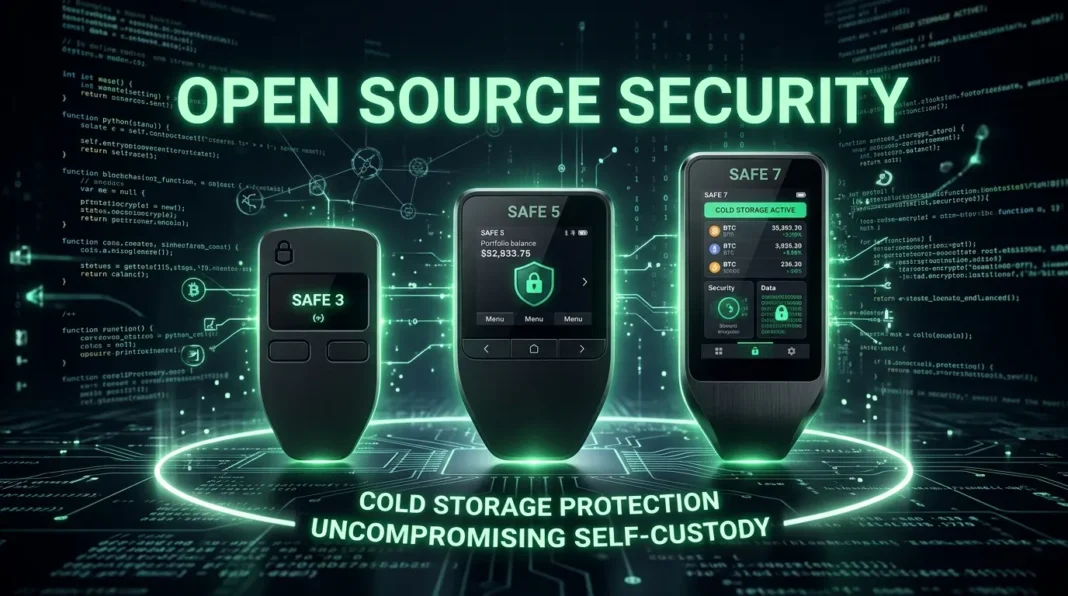
This is the most common question in crypto security — and it doesn’t have a single correct answer.
Both Ledger and Trezor are excellent hardware wallets. Neither has had a device-level security compromise in over a decade of operation. Millions of people trust both brands with their crypto.
The real question isn’t “which is better” in absolute terms. It’s “which is better for you” — based on how you use crypto, what you value in security, and what experience you want day-to-day.
This guide cuts through the marketing from both sides and gives you the honest comparison.
The Core Philosophical Difference
Everything in the Ledger vs Trezor comparison flows from one fundamental difference:
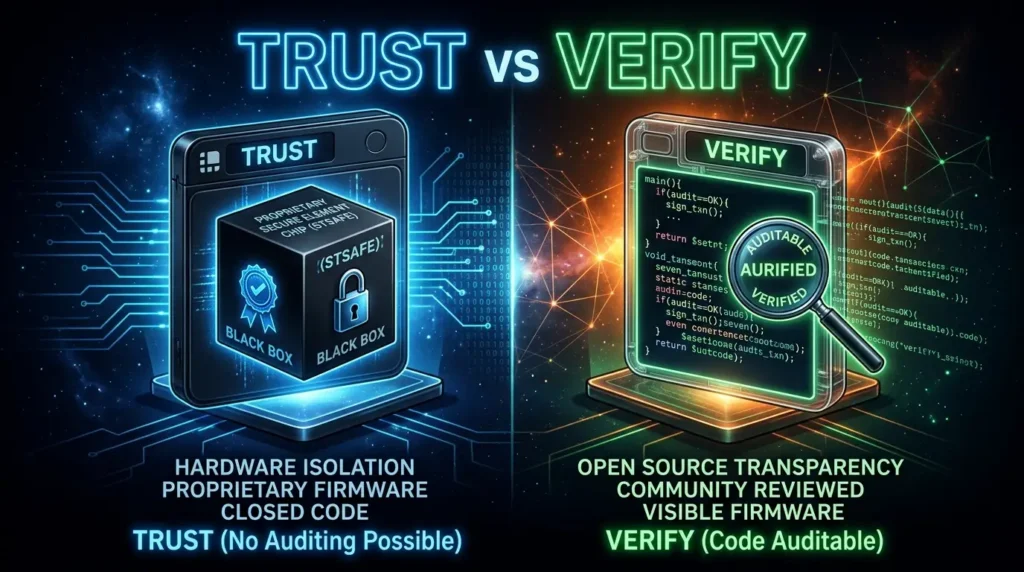
Ledger prioritizes hardware security isolation.
A proprietary Secure Element chip handles key storage, transaction parsing, screen generation, and signing — all inside the same protected environment. The firmware is partially closed-source. You trust Ledger’s implementation and their internal security team (Ledger Donjon).
Trezor prioritizes transparency and verifiability.
100% open-source firmware — every line of code is publicly auditable by anyone. The Trezor Safe line now includes secure element chips too — including TROPIC01 in the Safe 7, the world’s first auditable SE chip whose design can be independently inspected.
Neither approach is objectively superior. They reflect different answers to the same question: “Where should trust come from in a security device?”
Security: How They Actually Compare
Both brands are secure against the threats that matter most for individual crypto holders — remote attacks, malware, and stolen devices.
Hardware Security
Ledger’s approach: The Secure Element chip creates a unified trust environment. The screen displaying transaction details is driven by the same chip that signs the transaction. This matters: what you see is genuinely controlled by the hardware protecting your keys.
Trezor’s approach: The Safe line uses EAL6+ secure elements too. The Safe 3 and Safe 5 use NDA-free chips Trezor can discuss openly. The Safe 7 goes further with dual secure elements including TROPIC01 — an auditable chip unprecedented in consumer hardware wallets. Trezor’s two-chip architecture means display and signing are separate, which Ledger argues creates a theoretical blind-signing risk; Trezor counters that the open code eliminates the need to trust their claims.
The honest verdict: Both are secure against realistic attacks. Ledger’s integrated Secure Element is a real security advantage for the screen-signing scenario. Trezor’s open-source plus secure element combination is a real advantage for users who want to verify rather than trust.
Firmware Transparency
| Ledger | Trezor | |
|---|---|---|
| Application code | Open-source | Open-source |
| Firmware | Closed-source | 100% open-source |
| Secure element | Closed, EAL5+/EAL6+ | NDA-free, EAL6+ (Safe line) |
| Independent audit | Limited | Full community audit possible |
| Ledger Recover controversy | Applicable | N/A |
The open-source argument in practice: When Ledger announced Ledger Recover, the community couldn’t fully verify how it worked because the firmware is private. With Trezor, any similar announcement would immediately reveal the exact code changes in the public repository. For “don’t trust, verify” users, this is a meaningful real-world difference.
Track Record
Ledger:
- 2020: Marketing database breach exposed emails and physical addresses of 1M+ customers. No private keys or device data compromised.
- 2021: ConnectKit library exploit through a supply chain attack. Third-party dApp users affected. Caught and patched within hours.
- 2023: Ledger Recover announcement caused community backlash over theoretical seed extraction capability.
Trezor:
- Kraken Security Labs physically extracted seed phrases from Trezor One and Model T in 2020 using voltage glitching — requiring physical possession of the device for 15+ minutes. No remote exploit.
- 2023: Phishing attack targeted Trezor newsletter subscribers through a third-party email provider breach.
The takeaway: Neither brand has had a remote device compromise. Ledger had a real data breach (customer info, not crypto). Trezor has a known physical attack vector requiring hands-on device access. Both companies respond quickly to discovered vulnerabilities.
Feature Comparison: What Each Does Better
Mobile and Bluetooth
Ledger wins clearly.
The Nano X, Nano Gen5, Flex, and Stax all support Bluetooth for wireless pairing with iOS and Android. Managing your portfolio from your phone, signing transactions without cables, and using Ledger Live mobile are all seamless experiences.
Trezor: Only the Safe 7 supports Bluetooth. The Safe 3 and Safe 5 are wired-only and have limited iOS support (no transaction signing on iPhone). For anyone who primarily uses an iPhone, Ledger is the practical choice unless they’re willing to pay $249 for the Safe 7.
Price Range
Trezor wins on entry-level value.
| Device | Price |
|---|---|
| Trezor Safe 3 | $59 |
| Ledger Nano S Plus | $79 |
| Trezor Safe 5 | $129 |
| Ledger Nano X | $149 |
| Ledger Nano Gen5 | $179 |
| Trezor Safe 7 | $249 |
| Ledger Flex | $249 |
| Ledger Stax | $399 |
The Trezor Safe 3 at $59 is the most affordable EAL6+ hardware wallet available — significantly cheaper than any comparable Ledger model.
DeFi and Ecosystem
Ledger wins for DeFi power users.
Ledger Live has deep DeFi integration — staking for more assets, more third-party wallet integrations, and a broader app ecosystem. The Ledger Flex and Stax with Clear Signing display human-readable DeFi transaction details on-device.
Trezor’s DeFi capabilities exist but typically require third-party wallets like MetaMask, adding steps. Trezor Suite doesn’t match Ledger Live’s breadth for DeFi users.
Privacy Features
Trezor wins.
Trezor Suite integrates:
- Tor browser support — routes traffic through Tor to mask your IP when interacting with the wallet
- CoinJoin (via Wasabi integration) — Bitcoin transaction mixing for enhanced on-chain privacy
- Bitcoin-only firmware — strips the device to Bitcoin-only functionality, reducing attack surface
Ledger Live offers minimal privacy features by comparison. Ledger Recover requires full KYC verification if you opt in.
Cryptocurrency Support
Comparable at the top level, with differences in specifics.
Both support Bitcoin, Ethereum, Solana, XRP, and all major tokens. Differences appear in specific altcoins and newer networks.
Ledger generally adds support for new networks faster — their app ecosystem allows third-party developers to build integrations more easily. Trezor’s native support list is more conservative, requiring more third-party wallet workarounds for some assets.
Check both manufacturers’ official compatibility lists for your specific holdings before purchasing.
Backup and Recovery
Trezor wins on advanced options.
Both support standard BIP39 (24-word seed phrase) recovery. Trezor additionally supports SLIP39 (Shamir Backup) — splitting your seed into multiple shares where a threshold of shares can recover the wallet.
Ledger offers Ledger Recover — an opt-in subscription service for backing up your seed with third-party custodians. The crypto community has been skeptical; many prefer Trezor’s Shamir approach because it doesn’t involve third parties at all.
Side-by-Side Verdict Table
| Category | Winner | Notes |
|---|---|---|
| Firmware transparency | Trezor | 100% open-source; fully auditable |
| Hardware security | Tie | Both EAL6+ on current models; different architectures |
| Mobile / Bluetooth | Ledger | Bluetooth on most models; full iOS support |
| Entry price | Trezor | Safe 3 at $59 vs Nano S Plus at $79 |
| DeFi ecosystem | Ledger | Deeper Ledger Live integrations |
| Privacy tools | Trezor | Tor + CoinJoin + Bitcoin-only firmware |
| Advanced backup | Trezor | Shamir Backup vs standard 24-word only |
| iOS compatibility | Ledger | Bluetooth models work natively; Trezor limited |
| NFT management | Ledger | Better native support in Ledger Live |
| Community trust | Trezor | Open-source auditable architecture |
Who Should Buy Which
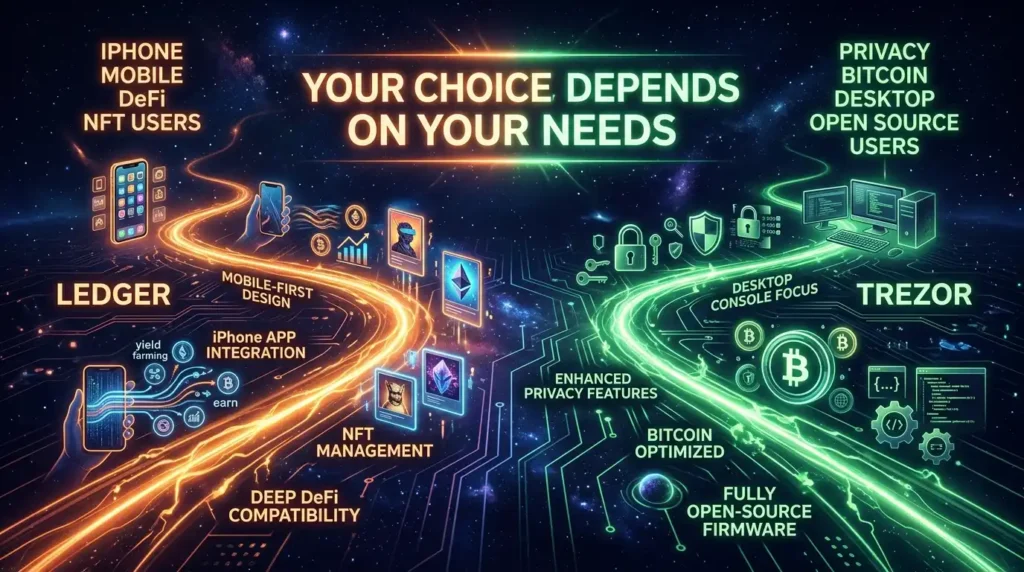
Choose Ledger if:
- You primarily use an iPhone and need full mobile signing capabilities
- You’re an active DeFi user who needs deep protocol integrations
- You want the most seamless daily experience with the best app ecosystem
- You hold NFTs and want native display and management
- You’re comfortable trusting Ledger’s security implementation
Best Ledger for you:
- Beginner / simple storage: Nano S Plus ($79)
- Mobile user: Nano Gen5 ($179) or Nano X ($149)
- Active DeFi: Flex ($249)
Choose Trezor if:
- You value open-source transparency and want to verify rather than trust
- You’re a privacy-conscious user who wants Tor and CoinJoin
- You’re a Bitcoin maximalist (Bitcoin-only firmware available)
- You want advanced Shamir Backup for seed phrase security
- You primarily use desktop or Android (not iPhone)
- Budget is a priority
Best Trezor for you:
- Best value: Safe 3 ($59)
- Best daily experience: Safe 5 ($129)
- iPhone user: Safe 7 ($249)
The One Answer Both Brands Agree On
Despite their philosophical differences, Ledger and Trezor agree completely on the most important thing:
Any hardware wallet is vastly better than leaving your crypto on an exchange or in a hot wallet for long-term storage.
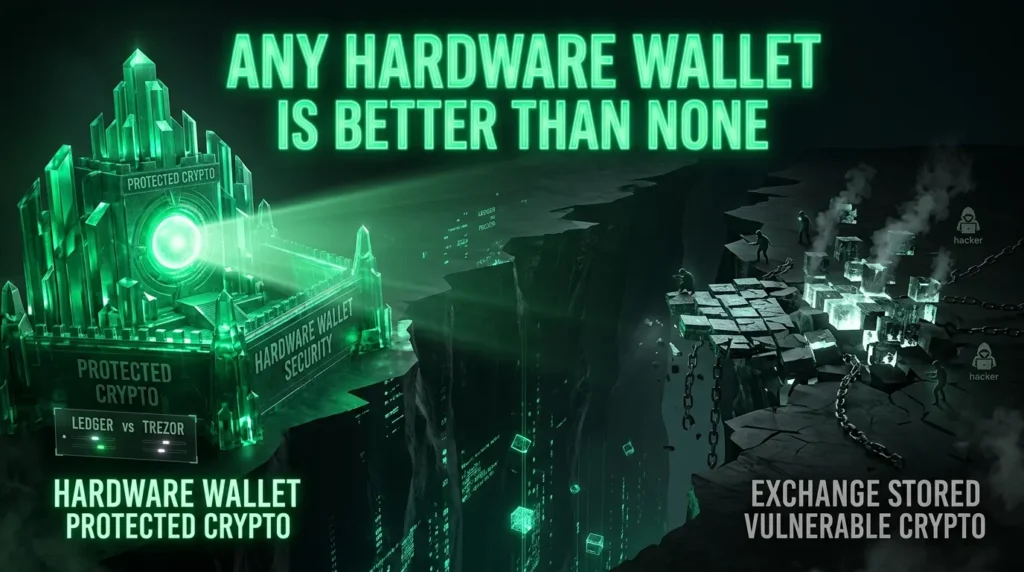
The gap between “hardware wallet” and “no hardware wallet” is orders of magnitude larger than the gap between Ledger and Trezor.
If you’re choosing between these two brands, you’ve already made the most important security decision correctly.
Now pick whichever fits your use case — and keep that seed phrase offline. 🔐
Disclaimer: This review is for informational purposes only. TheHashmark.com may receive a commission if you purchase through affiliate links, at no additional cost to you. All opinions are our own.