Trezor didn’t just make a hardware wallet in 2014 — it invented the category. SatoshiLabs, the Prague-based company behind Trezor, built the world’s first hardware wallet and has spent a decade as the open-source alternative in a market where most competitors keep their firmware proprietary.
In 2026, Trezor’s lineup has been fully refreshed. The older Model One and Model T are discontinued, and the company now focuses on three active models: the Safe 3, Safe 5, and Safe 7. Each runs the same open-source firmware, supports the same EAL6+ secure element, and shares the same core security philosophy — but they serve different users at different price points.
This review covers all three honestly.
Trezor’s Core Philosophy: Why Open-Source Matters
Before comparing models, understand what makes Trezor different from every Ledger device:
100% open-source firmware.
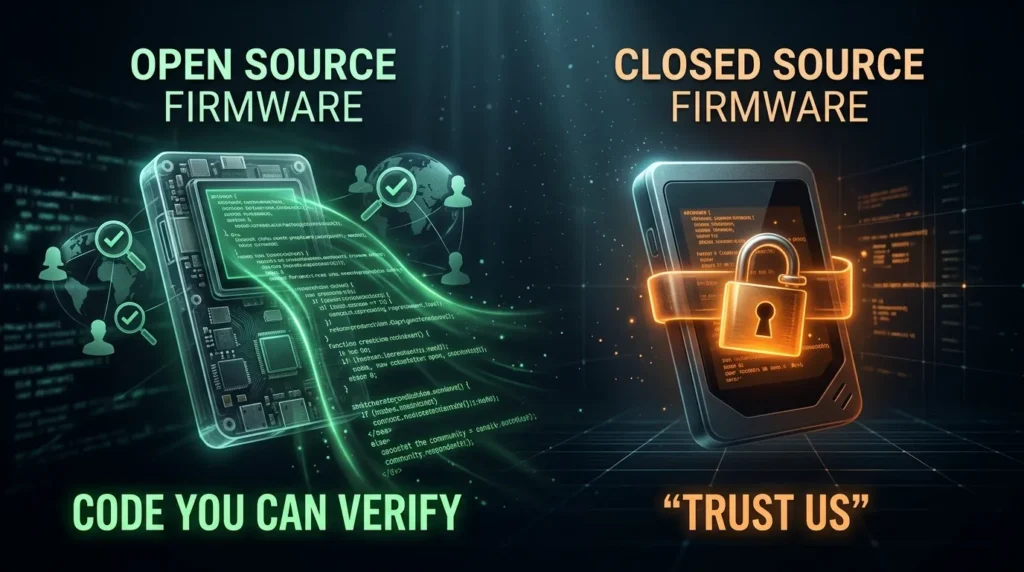
Every line of Trezor’s firmware code is publicly available on GitHub. Any security researcher, developer, or concerned user can review exactly what the device does — and what it doesn’t do. Independent security audits are possible. Community-discovered vulnerabilities have been reported and patched.
Ledger’s firmware, by contrast, is partially closed-source. The secure element code cannot be independently audited.
Why this matters: When Ledger announced Ledger Recover in 2023 — an optional service that technically enables seed phrase extraction from the device — the community couldn’t fully verify the claims because parts of the code are private. With Trezor, such changes would be immediately visible in the public codebase.
For users who want maximum trustlessness — where security doesn’t require trusting the manufacturer — Trezor’s open-source approach is a meaningful philosophical and practical advantage.
The trade-off: Open-source firmware means the attack surface is also public. In theory, researchers — including malicious ones — can look for exploits. In practice, the community model has consistently found and fixed vulnerabilities faster than closed-source alternatives. Trezor also runs a bug bounty program.
The Current Trezor Lineup: 3 Models in 2026
Quick context: Model One and Model T were officially discontinued as of January 2026. They may still be found at some retailers but are no longer sold through Trezor’s official store. For new buyers, Safe 3, Safe 5, and Safe 7 are the only current options.
Trezor Safe 3 — $59 ⭐ Best Value
The entry point — and one of the best-value hardware wallets on the market.
Specs:
- Secure Element: EAL6+ certified
- Display: 0.96″ monochrome OLED screen
- Connectivity: USB-C only (no Bluetooth, no battery)
- Supported assets: 8,000+
- Recovery: BIP39 (24-word) + SLIP39 (Shamir Backup)
- iOS support: Limited (view only — no signing from iPhone)
- Bitcoin-only version: Available
Who it’s for: Long-term holders who primarily use desktop or Android, budget-conscious buyers, Bitcoin maximalists (Bitcoin-only firmware available).
The honest take: The Safe 3 is a genuinely excellent hardware wallet at a price that makes cold storage accessible. At $59, it’s the cheapest EAL6+ device available — you get the same security certification as the $249 Ledger Flex at a fraction of the price.
The limitations are real: the small monochrome screen requires scrolling to verify addresses, PIN entry via two physical buttons is slower than a touchscreen, and there’s no Bluetooth. For users who initiate transactions occasionally — weekly or less — these inconveniences are manageable. For daily active traders, they add up.
The iOS limitation: iPhone users cannot sign transactions, set up the device, or swap/send from iOS. The Safe 3 only supports portfolio viewing, buying, and receiving on iPhone. If you’re iPhone-first and need mobile signing, Safe 3 is not the right device.
Bitcoin-only firmware: The Safe 3 comes in a Bitcoin-only version with stripped-down firmware that only supports Bitcoin. This reduces the attack surface significantly for pure BTC holders — no altcoin code means less potential vulnerability.
Verdict: ⭐⭐⭐⭐⭐ Exceptional value. Best-in-class security at the lowest price. Right choice for desktop users who value open-source and don’t need mobile convenience.
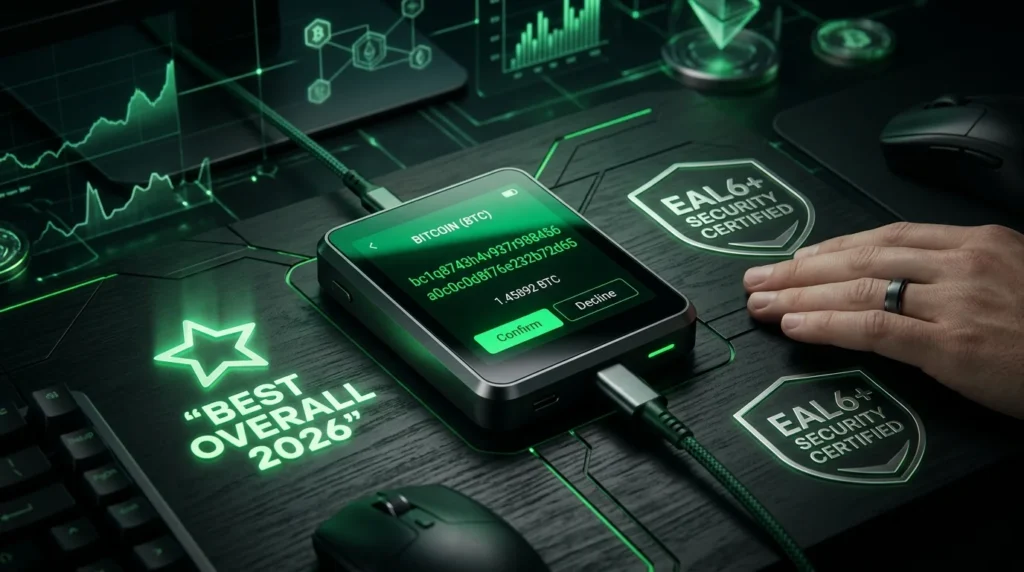
Trezor Safe 5 — $129 ⭐ Best Overall
The modern flagship — touchscreen, EAL6+, and Trezor’s best daily experience.
Specs:
- Secure Element: EAL6+ certified
- Display: 1.54″ color touchscreen (Gorilla Glass 3)
- Connectivity: USB-C only (no Bluetooth, no battery)
- Haptic feedback: Yes
- Supported assets: 9,000+
- Recovery: BIP39 + SLIP39 (Shamir Backup)
- iOS support: Limited (same as Safe 3)
Who it’s for: Most new Trezor buyers who want a comfortable daily-use experience, users upgrading from Safe 3 or older models, anyone who finds button navigation frustrating.
The honest take: The Safe 5 is what the Safe 3 should feel like to use. The 1.54″ Gorilla Glass touchscreen makes PIN entry, address verification, and transaction confirmation dramatically more comfortable. Full addresses are visible without scrolling. Haptic feedback adds a satisfying physical response to each interaction.
At $129, it sits at roughly the same price as the discontinued Model T — but with a secure element (the Model T lacked one), newer hardware, and the same open-source firmware. It’s a clear improvement.
The Gorilla Glass advantage: The Safe 3’s plastic screen scratches relatively easily with regular use. The Safe 5’s Gorilla Glass 3 is significantly more scratch-resistant — a practical quality-of-life improvement for a device you’ll handle frequently.
Still no Bluetooth: Like the Safe 3, the Safe 5 is wired-only. iPhone signing is not supported. For users who need mobile flexibility with iOS compatibility, Safe 7 is the only Trezor option.
Verdict: ⭐⭐⭐⭐⭐ Best overall Trezor in 2026. The touchscreen justifies the premium over Safe 3 for anyone who uses their wallet more than occasionally.
Trezor Safe 7 — $249
The premium model — Bluetooth, battery, and iOS compatibility.
Specs:
- Secure Element: EAL6+ certified
- Display: Color touchscreen
- Connectivity: USB-C + Bluetooth + battery (wireless capable)
- iOS support: Full (setup, signing, sending, swapping)
- Build: Full metal case
- Supported assets: 9,000+
Who it’s for: iPhone users who need full mobile functionality, crypto users who travel frequently, those who want the premium build quality.
The honest take: The Safe 7 exists primarily to solve two problems: iOS compatibility and wireless convenience. If you’re an iPhone user and want to use Trezor properly — signing transactions, setting up the device, managing your portfolio — Safe 7 is the only option in the lineup.
The premium metal case and Bluetooth add genuine value for active mobile users. The security model remains identical to Safe 3 and Safe 5 — same EAL6+ chip, same open-source firmware.
The price comparison: At $249, the Safe 7 directly competes with the Ledger Flex. Both offer touchscreens, Bluetooth, and EAL6+ security. The key differentiator: Trezor is fully open-source; Ledger is not. For users who prioritize code transparency above all else, Safe 7 is the answer at the same price point.
Verdict: ⭐⭐⭐⭐ Essential for iPhone users. Excellent for mobile-first holders. Solid premium option for users who want Trezor’s open-source trust model with Bluetooth convenience.
Trezor Model Comparison Table
| Model | Price | Screen | Bluetooth | EAL | iOS Signing | Best For |
|---|---|---|---|---|---|---|
| Safe 3 | $59 | Monochrome OLED | No | EAL6+ | No | Budget / desktop / Bitcoin |
| Safe 5 | $129 | Color touch (Gorilla) | No | EAL6+ | No | Best daily experience |
| Safe 7 | $249 | Color touch | Yes | EAL6+ | Yes | iPhone / mobile users |
Trezor Suite: The Software Companion
All Trezor devices work with Trezor Suite — available for Windows, macOS, Linux, and Android (with limited iOS support).
What Trezor Suite does:
- Portfolio overview across all supported blockchains
- Send and receive with on-device confirmation
- Buy crypto via integrated fiat onramps
- Swap between cryptocurrencies
- Staking (for supported assets)
- Coin control and privacy features (coinjoin for Bitcoin via Wasabi integration)
- Tor integration for enhanced privacy
- Firmware updates
The privacy advantage: Trezor Suite integrates Tor support and CoinJoin — a Bitcoin privacy technique that mixes transactions to reduce traceability. This is more advanced privacy tooling than most hardware wallet software offers, relevant for users who care about on-chain privacy.
Trezor vs Ledger: The Key Differences
The most common hardware wallet comparison — and an important one.
| Feature | Trezor | Ledger |
|---|---|---|
| Firmware | 100% open-source | Partially closed-source |
| Secure Element | EAL6+ (all Safe models) | EAL5+ (Nano) / EAL6+ (Flex, Stax, Gen5) |
| Seed recovery service | No equivalent to Ledger Recover | Ledger Recover (opt-in, controversial) |
| Bluetooth | Safe 7 only | Nano X, Gen5, Flex, Stax |
| iOS full support | Safe 7 only | All models with Bluetooth |
| Price range | $59–$249 | $79–$399 |
| Privacy tools | CoinJoin, Tor in Suite | Limited |
| Track record | Founded 2014, no major device compromises | Founded 2014, 2020 customer data breach (not device) |
The bottom line on Trezor vs Ledger: Both are excellent hardware wallet brands. The choice often comes down to two factors: open-source philosophy (Trezor wins clearly) and ecosystem convenience (Ledger wins with better Bluetooth options and iOS support across more models). Neither has had a device-level security compromise.
Shamir Backup: Trezor’s Advanced Recovery Option
Trezor supports SLIP39 (Shamir Secret Sharing) — an advanced seed phrase backup method not available on Ledger devices.
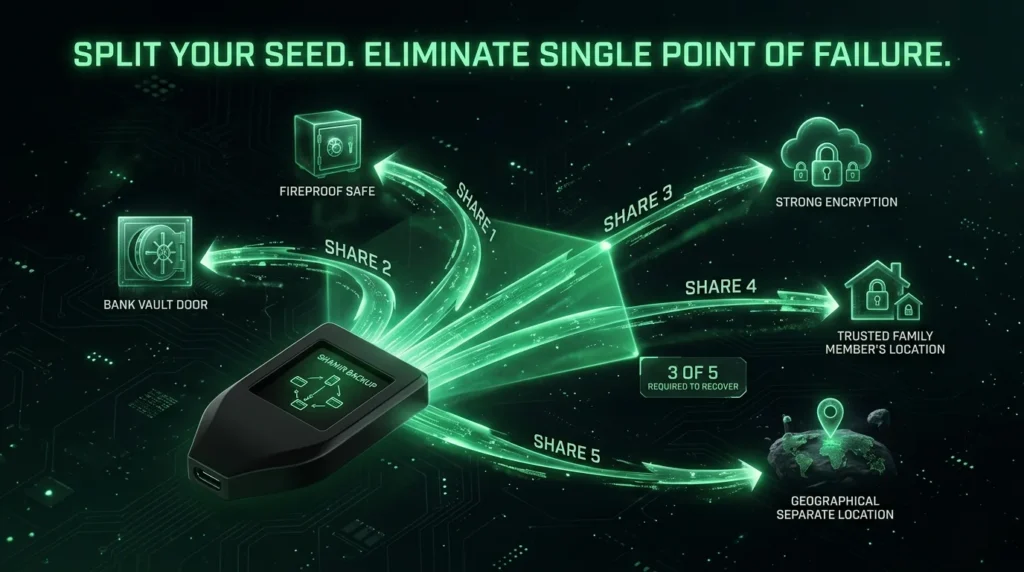
Instead of a single 12 or 24-word phrase, Shamir Backup splits your seed into multiple “shares” (e.g., 3-of-5 — any 3 of your 5 shares can recover the wallet). You can distribute shares to different locations or trusted people. If one share is lost or stolen, your wallet isn’t compromised — the thief needs multiple shares.
This is especially valuable for:
- Geographic distribution of backups
- Inheritance planning (distribute shares to family members)
- Corporate/institutional multi-party control
Where to Buy Trezor: The Essential Warning
Like Ledger, counterfeit Trezor devices exist in the market.
Only buy from:
- Trezor’s official website: trezor.io
- Authorized resellers listed on Trezor’s site
Never buy from:
- Amazon third-party sellers
- eBay
- Social media listings
Tamper verification: Every genuine Trezor ships with a holographic sticker over the USB-C port. If the sticker is broken, missing, or looks tampered with — do not use the device. Contact Trezor support.
Important: Never use a Trezor that arrives with firmware pre-installed or a seed phrase written somewhere in the box. These are signs of tampering.
The Verdict: Which Trezor Should You Buy?
Budget-conscious / desktop user / Bitcoin holder: Safe 3 ($59) — exceptional security at the lowest price in the market
Most new buyers / best daily experience: Safe 5 ($129) — touchscreen and Gorilla Glass make it the comfortable daily driver
iPhone user / mobile-first / premium build: Safe 7 ($249) — the only Trezor with full iOS support and Bluetooth
For most readers, the Safe 5 at $129 is the recommendation. The touchscreen upgrade over Safe 3 is meaningful for regular use, the price is reasonable, and the EAL6+ security plus 100% open-source firmware places it among the most trustworthy hardware wallets available in 2026.
Buy from trezor.io. Verify packaging on arrival. Store your seed phrase offline. 🔐
Disclaimer: This review is for informational purposes only. TheHashmark.com may receive a commission if you purchase through affiliate links, at no additional cost to you. All opinions are our own based on available information.