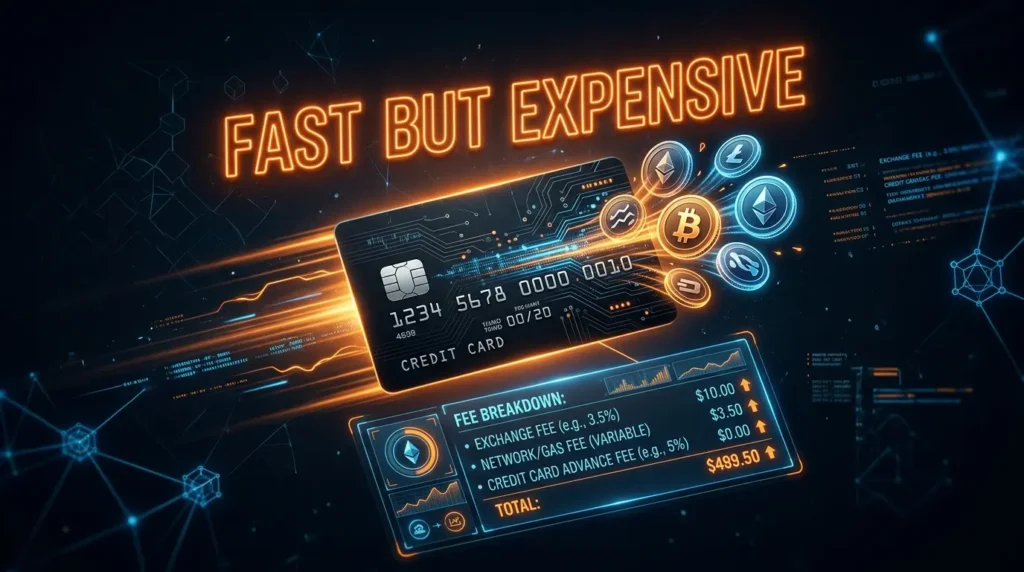
Using a credit card to buy cryptocurrency is one of the fastest ways to get started — your purchase can be complete in minutes. It’s also one of the more expensive options, and depending on your bank, the transaction may be blocked entirely.
This guide covers how to buy crypto with a credit card, what it actually costs, which US banks allow it, and when it makes sense vs. when you’re better off using a different payment method.
The Quick Answer: Credit Card vs Debit Card vs Bank Transfer
Before buying, understand your options:
| Method | Speed | Typical Fee | Best For |
|---|---|---|---|
| Credit card | Instant | 2.5–5% total | Immediate purchase, worth it for small amounts |
| Debit card | Instant | 1.5–3.99% | Faster option with lower fees than credit |
| Bank transfer (ACH) | 1–3 days | Usually free | Best long-term option for regular buyers |
| Wire transfer | Same/next day | $10–25 flat | Large purchases |
The honest advice: If you have the option, a bank transfer (ACH) costs far less. A credit card purchase of $500 can cost $12–25 in fees. The same purchase via ACH costs $0.
Use a credit card when:
- You want to buy immediately and can’t wait 1–3 days for ACH
- You’re making a small one-time purchase
- ACH isn’t available in your region
Why Credit Card Fees Are Higher Than They Appear
When you buy crypto with a credit card, you typically pay two separate costs:
1. Exchange fee: The platform’s charge for the transaction (displayed clearly)
- Coinbase: 3.99% on credit card purchases
- Kraken: Up to 3.75% for card deposits
- Binance.US: ~1.8% for debit/credit
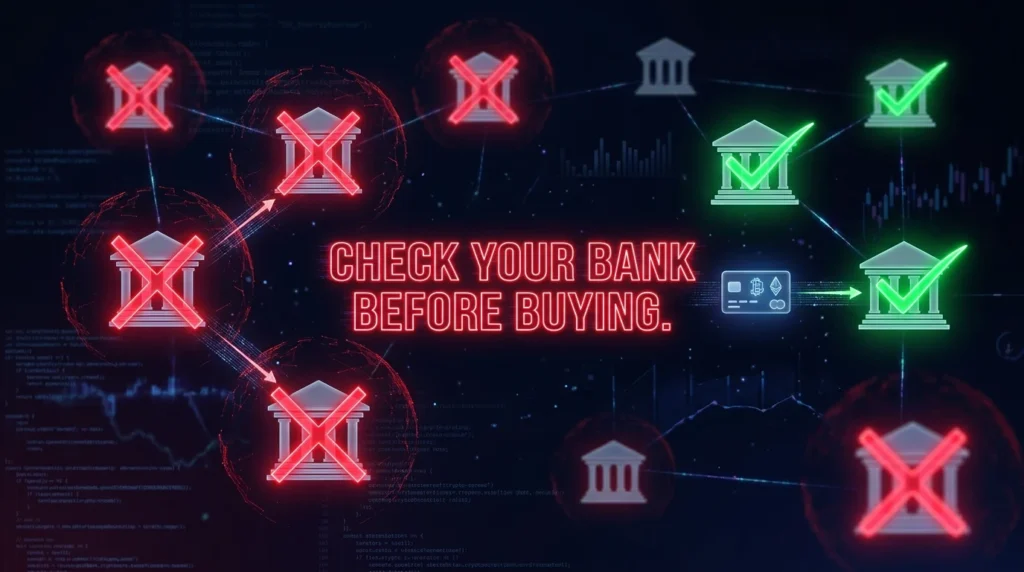
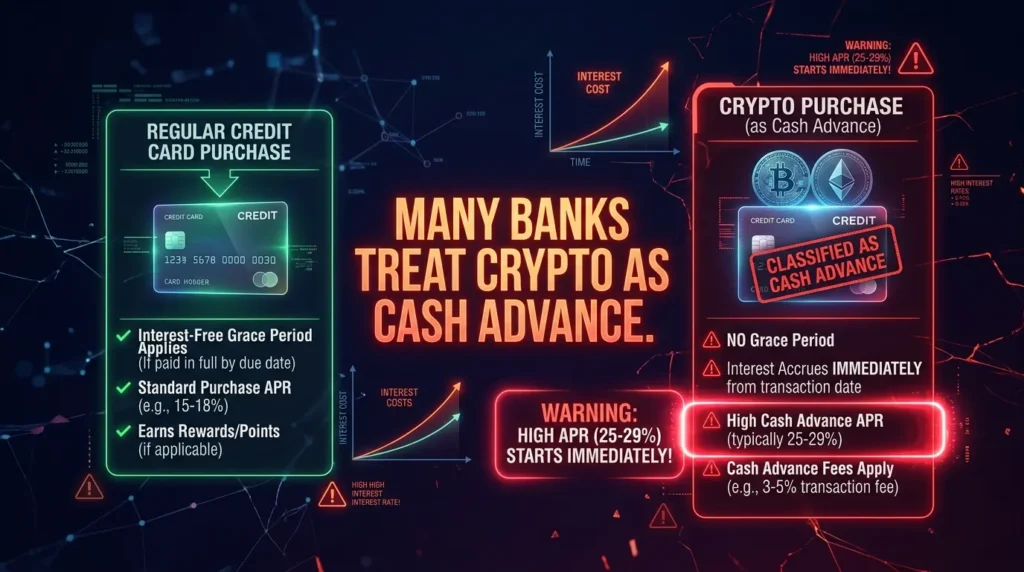
2. Bank/card issuer treatment: Many banks classify crypto purchases as cash advances — not regular purchases. Cash advances carry:
- Higher APR (often 25–29.99%) that starts immediately — no grace period
- Cash advance fee (3–5% of the transaction)
Example — buying $500 of Bitcoin on Coinbase with a Chase credit card:
- Coinbase processing fee: $19.95 (3.99%)
- Chase cash advance fee: $25 (5%)
- Cash advance APR starts immediately on $500
- Total upfront cost: ~$45 (9%) — before any interest accrues
Compare to ACH: $0 in fees, same Bitcoin.
Note: Not all banks treat crypto as cash advances — some process it as a regular purchase. Check with your card issuer before buying.
Which US Banks Allow Credit Card Crypto Purchases?
This is the biggest practical challenge for US buyers — many major banks block crypto purchases entirely.
Banks that typically ALLOW crypto purchases on credit cards:
- American Express (though fees can be 4%+)
- Some smaller regional banks and credit unions
- Cards issued by crypto-friendly fintech companies
Banks that typically BLOCK or restrict crypto purchases:
- Chase
- Bank of America
- Wells Fargo
- Citibank
- Capital One (varies by product)
- Discover
Policies change and vary by product type. Always check with your card issuer before attempting a purchase — a declined transaction wastes time and may temporarily flag your account.
Practical workaround: If your credit card is blocked, a debit card from the same bank usually works — banks restrict credit card crypto purchases (lending money for speculation) but generally allow debit card transactions (your own money).
Step-by-Step: How to Buy Crypto with a Credit Card
Step 1: Choose a platform that accepts credit cards
Major exchanges that accept credit/debit cards:
Coinbase — Accepts Visa and Mastercard on its Simple Trade interface. 3.99% fee for card purchases. Available in all US states. Clean interface, FDIC on USD.
Kraken — Accepts Visa and Mastercard (3DS required). Up to 3.75% card deposit fee. Available in most US states (not Maine or New York).
Binance.US — Accepts debit cards. ~1.8% fee. Lower than Coinbase for card purchases on supported pairs.
MoonPay — A crypto on-ramp (not an exchange itself) that accepts Visa, Mastercard, Apple Pay, and Google Pay. Works with many wallets and platforms. Fee: typically 1.5–4.5% depending on method and amount.
Step 2: Create and verify your account
- Go to the exchange’s official website (use a bookmark)
- Register with email + strong password
- Complete KYC — government ID required
- Enable 2FA — authenticator app recommended
Step 3: Add your credit card
- Go to Payment Methods → Add Credit/Debit Card
- Enter card details (number, expiry, CVV)
- Your bank may send a verification code via SMS
- Complete 3D Secure (3DS) verification if prompted — this is a security step, not a problem
Step 4: Buy your crypto
- Click Buy
- Select your cryptocurrency (BTC, ETH, etc.)
- Enter the dollar amount
- Select your credit card as payment method
- Review the fee — it will show clearly before confirmation
- Confirm
Your crypto is credited to your account within minutes.
Debit Card vs Credit Card: Key Differences
Debit card:
- Uses money already in your bank account
- Usually allowed by more banks for crypto
- Lower risk — can’t spend more than you have
- Fees similar to credit cards (1.5–3.99%)
- No cash advance treatment
- Generally the better card option for crypto
Credit card:
- Borrowed money — creates debt
- More restrictions from card issuers
- Potential cash advance fees and high APR
- Chargeback protection (minor benefit for crypto)
- Points/rewards on some cards (but cash advance treatment negates rewards on many)
The bottom line: If you’re using a card, a debit card is almost always better than a credit card for crypto purchases. Same speed, typically lower fees, no debt risk, no cash advance treatment.
Apple Pay and Google Pay: The Credit Card Alternative
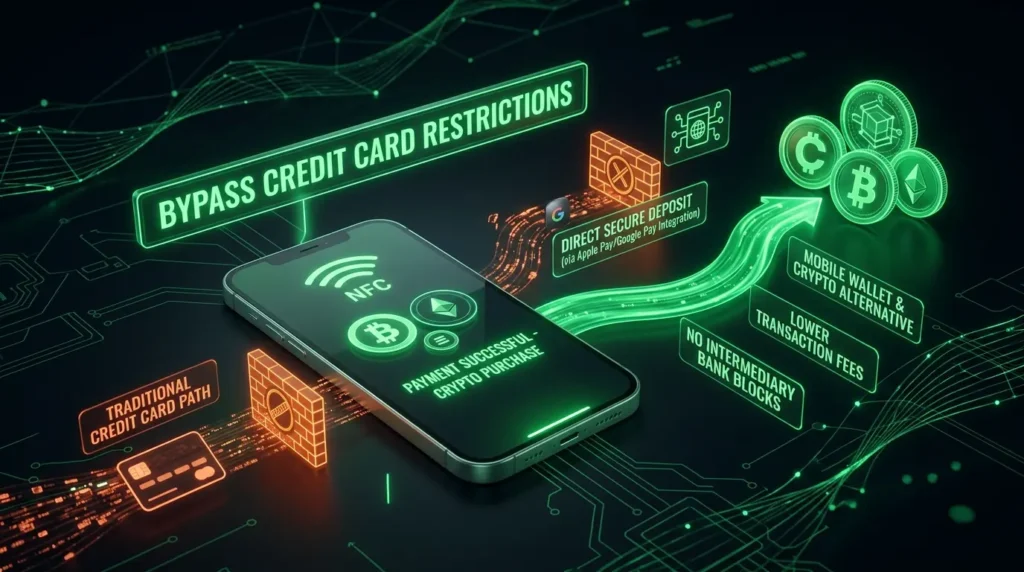
Many exchanges now accept Apple Pay and Google Pay — which often process as regular purchases rather than cash advances, even when your Apple Wallet or Google Pay is linked to a credit card.
Platforms accepting Apple Pay / Google Pay:
- Coinbase (Apple Pay/Google Pay available in some regions)
- MoonPay (wide support)
- Binance.US (select payment methods)
- Kraken (regional support)
If your credit card is being blocked or treated as a cash advance, try linking it through Apple Pay or Google Pay — the processing path is different and may avoid the restriction or cash advance classification.
How to Minimize Fees When Buying with a Card
Use the advanced trading interface:
On Coinbase, the 3.99% fee applies to Simple Trade (instant buy). On Coinbase Advanced Trade, you deposit fiat first, then trade — with fees of 0.40%–0.60% maker/taker.
Card deposit on Coinbase Advanced:
- Go to Coinbase Advanced
- Deposit funds via debit card (typically 1.49% on Advanced)
- Once deposited, trade at 0.40%–0.60% maker/taker
Total effective cost: ~1.49% + 0.40% = ~1.89% vs. 3.99% on Simple Trade.
Use MoonPay for direct wallet purchases:
MoonPay sends crypto directly to your external wallet — no exchange account needed. Fees start at ~1.5% for larger amounts.
Compare on-ramp services:
Compare rates between Coinbase, Kraken, MoonPay, and Paybis for your specific amount and card type — fees differ and best deal varies.
Credit Card Rewards: Do They Work for Crypto Purchases?
Some users wonder if they can earn credit card points on crypto purchases. The answer depends on your card and bank:
- If processed as regular purchase: You may earn 1–2% cashback, making the effective fee slightly lower
- If processed as cash advance: Typically no rewards, plus cash advance fee and APR apply
- Cards marketed as “crypto credit cards” (Coinbase Card, Gemini Credit Card) earn crypto rewards but are debit/credit cards for spending — not for purchasing crypto
The math: Even earning 2% cashback on a 4% transaction still results in 2% net cost. ACH remains cheaper.
Is It Safe to Enter Credit Card Details on an Exchange?
Reputable, regulated exchanges use PCI DSS compliance standards for card data — the same security framework used by major retailers and payment processors. Your card details are encrypted and not stored in plaintext.
Security tips:
- Only use official exchange websites (bookmark, don’t search)
- Look for HTTPS and verify the domain character by character
- Never enter card details on a site you navigated to via email link or DM
- Consider using a dedicated virtual card number for crypto purchases (available through some banks and services like Privacy.com)
Key Terminology
Cash advance: When a bank classifies a transaction as borrowing cash rather than making a purchase — applies higher fees and interest rates, usually with no grace period.
3DS (3D Secure): An authentication protocol that may prompt your bank to send a verification code when making online card payments — a security feature, not a problem.
On-ramp: A service that converts fiat currency (USD, EUR) to cryptocurrency — exchanges like Coinbase or dedicated services like MoonPay.
ACH: Automated Clearing House — the US bank transfer network used for most direct deposit and bank-to-exchange transfers. Usually free, takes 1–3 business days.
The Bottom Line
Buying crypto with a credit card is possible but expensive — typically 3–5% in fees before any cash advance treatment. For regular buyers, switching to ACH bank transfers saves significantly over time.
When credit card makes sense:
- You want to buy immediately and can’t wait 2–3 days
- Small, one-time purchase where the convenience is worth the fee
- Your bank allows it as a regular purchase (not cash advance)
When to use something else:
- Regular purchases → ACH bank transfer (free)
- Want instant but cheaper → debit card (1.5–3%)
- Want to avoid card restrictions → Apple Pay / Google Pay
Whatever method you use — make sure you’re on a regulated exchange, with 2FA enabled, and only investing what you can afford to lose. 💳
Disclaimer: This article is for informational purposes only and does not constitute financial advice. Cryptocurrency investments carry significant risk, including the potential loss of all invested capital. TheHashmark.com may receive a commission if you sign up through affiliate links, at no additional cost to you. Always conduct your own research before making any investment decisions.